About
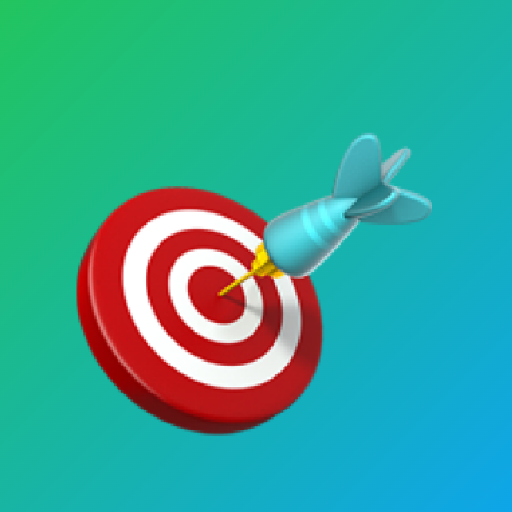
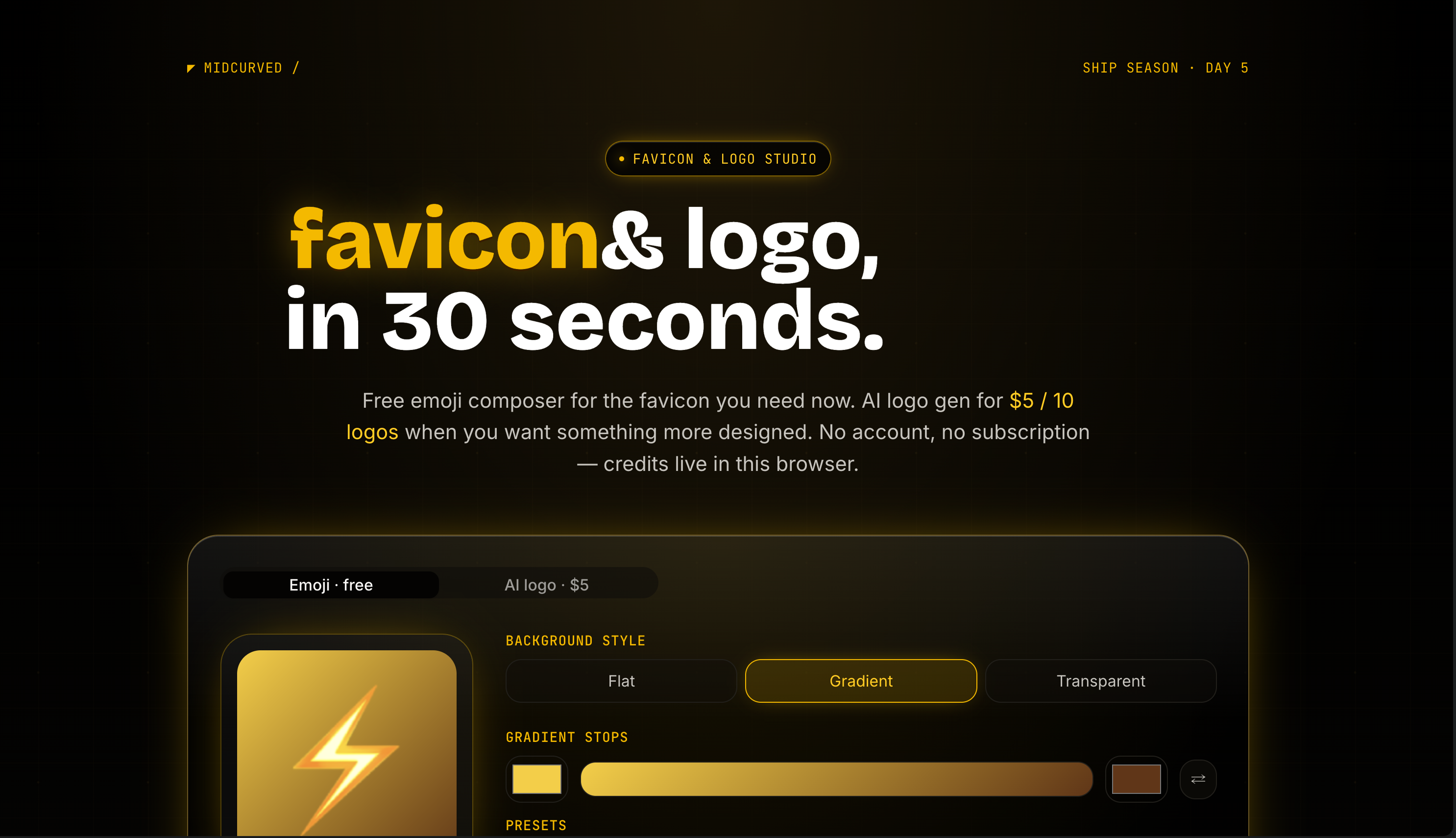
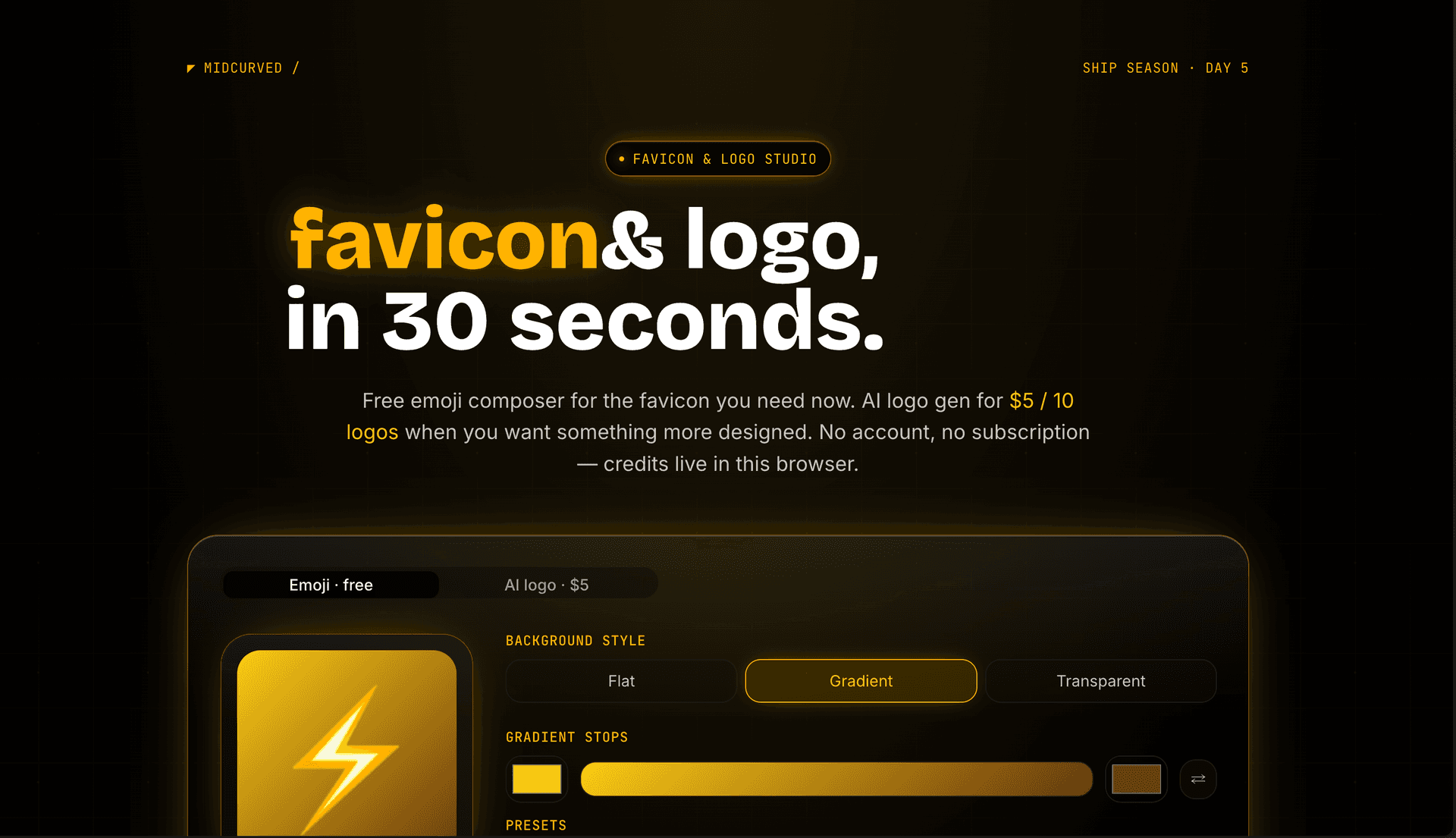
Every time you ship a vibecode.fun build, you need a favicon. And every time, you don't have one. So you either skip it (the default Next.js black square in the browser tab — looks broken), open Figma for a 30-second job, or burn 30 minutes prompting Midjourney for output that still looks like AI slop. logo.midcurved.com is the tool I built because I was hitting this exact wall every day on Ship Season. Two modes, deliberately simple: **Emoji mode** is free and unlimited. Pick a colour or one of six gradient presets, pick an emoji from the full picker, download a zip with PNGs at 16/32/48/180/512/1024 + a real `favicon.ico`. Every emoji is centred on its actual visual bounding box (rocket, plane, target — all the asymmetric ones come out dead-centre). Pure client-side, no server roundtrip, no API cost. **AI logo mode** is $5 for 10 logos via Stripe Payment Link — first one free. Type what the logo is for, pick a vibe (playful / serious / tech / craft), pick a palette (auto / mono / match-these-colours), pick a background. The system prompt bakes in real logo-design constraints: flat 2D vector, single subject, readable at 32×32, no text, max 3 colours, ~60% canvas with ~20% padding. Powered by Gemini 3.1 Flash Image via OpenRouter — passes a 5/5 quality gate where most prompts return "AI slop" defaults. No accounts. No subscription. Credits live on the device — paid users get a recovery URL they can bookmark to restore credits across browsers. The whole prompt that makes the AI mode work is open source in the repo. The icon you're looking at on this listing was generated by the tool itself in ~10 seconds. That's the meta loop: built it because every Ship Season build needs an icon, used it to make this build's icon, now it makes them for everyone else's too.
Try it
Screenshots
Comments
Sign in to leave useful feedback on this project.